
Last Updated on September 17, 2026 by Shakitha
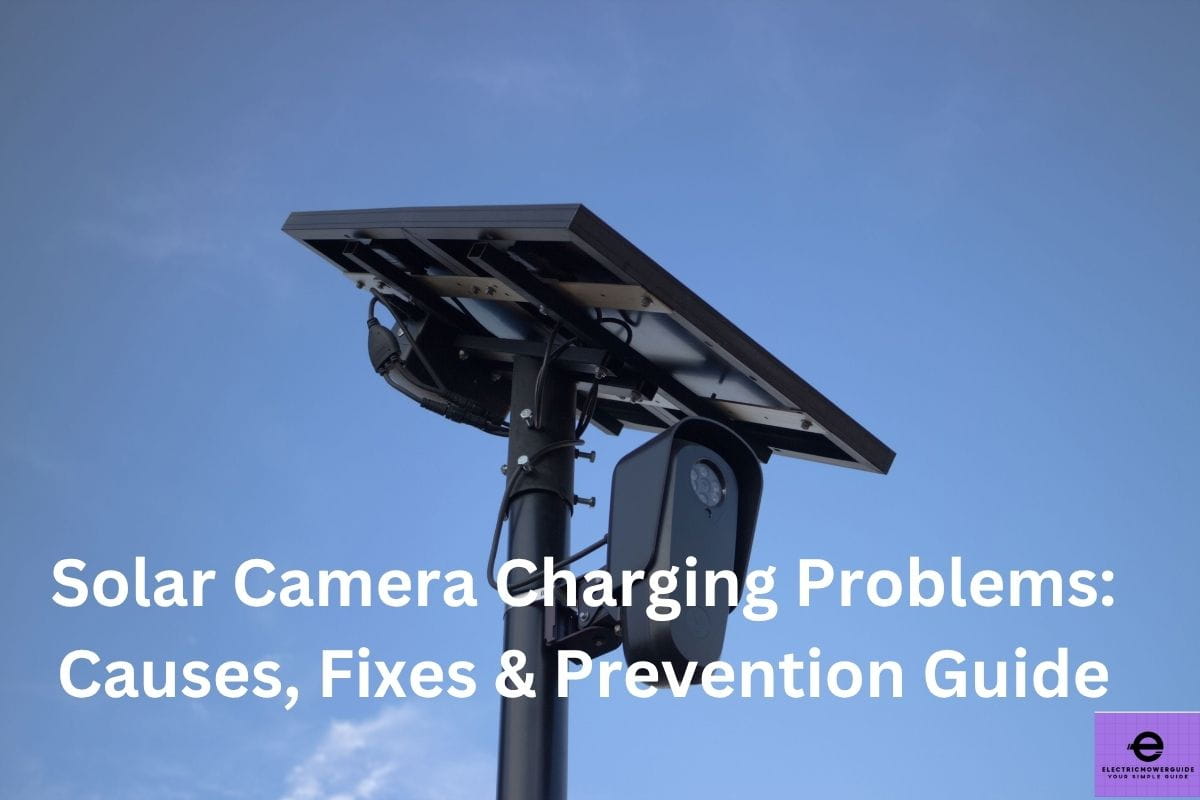
Solar security camera is one of the most convenient way to monitor your home without replacing batteries or regularly charging.
If you have solar camera charging problems, it can prevent your camera from working properly, especially during cloudy weather, winter or periods of limited sunlight.
Some of the factors like
dirty solar panel,
incorrect panel angle,
damaged cable,
weak battery or insufficient sunlight, can all affect the charging performance.
But, I have good news for you.
All these most charging problems can be identified and fixed with a few simple checks.
In this post, I will explain the most common solar camera charging problems, how to troubleshoot them, why they happen and practical ways to keep your camera charged reliably.
Solar Camera Charging Problems: Causes, Fixes & Prevention Guide
What Are the Most Common Solar Camera Charging Problems?
All types of solar security cameras usually rely on sunlight to keep their rechargeable batteries powered.
But there are several factors which causes solar camera charging problems.
I found one of the most common issue is insufficient sunlight.
Shaded locations, short winter days, cloudy weather, or a poorly positioned solar panel.
These problems can reduce the amount of energy produced.
If your solar panel is dirty, it can also affect charging performance.
Other factors like dust, leaves, bird droppings, and other debris can also block sunlight from reaching the panel.
In some of the cases, the problem may be caused by a loose or damaged charging cable or connector between the solar panel and camera.
Another problem I found is battery-related problems.
If your battery is aged, it may lose its ability to hold a charge. It can cause the camera to shut down quickly even when the solar panel is working.
One of the other factor is extreme temperature. It can also affect battery charging and performance.
Below are some of the possible causes I found, which includes
incorrect solar panel installation,
a damaged panel,
excessive camera activity,
faulty charging circuit.
If you want to identify the cause, first you should check the panel for dirt or damage.
You should then confirm that it receives adequate sunlight.
Next, inspect the connections and check the camera’s battery status in its mobile app.
If you do these basic checks, it can help determine whether the problem is related to sunlight, installation, the battery or the camera itself.
Why Is My Solar Security Camera Not Charging?
If your solar security camera is not charging, the problem may be usually related to sunlight, the solar panel, connections, battery, or the camera itself.
First, you should start by checking whether the solar panel receives enough direct sunlight during the day.
If your panel is installed under a roof, tree, balcony, or other obstructions, it may not generate enough power to charge the battery.
Factors like dirt and debris can also reduce the panel’s ability to produce electricity.
To solve this issue, you should clean the panel gently with a soft, damp cloth and check it for cracks or other visible damage.
Next, you should inspect the charging cable and connectors. If you found a loose connection, damaged cable, or corrosion around the connector, you should fix it up because it prevents power from reaching the camera.
In some cases, the battery may also be the cause. If your battery is old or damaged, it may no longer hold enough charge, even when the solar panel is working correctly.
If your temperature is extremely cold or hot, it can also affect battery charging, depending on the camera model.
Finally, you should check the camera’s mobile app for battery and charging information.
If the camera shows no charging activity after receiving adequate sunlight and the connections are secure, you should consult the manufacturer troubleshooting instructions.
If you test each possible cause one at a time, it can help you to identify the problem without immediately replacing the camera.
Does Lack of Sunlight Cause Solar Camera Charging Problems?
The short answer is yes.
Lack of sunlight is one of the most common reasons for solar camera charging problems.
Usually, solar security cameras depend on its panel to convert sunlight into electricity, which is then used to recharge the camera’s battery.
If your panel does not receive enough sunlight, it will produce too little energy to maintain the battery level.
If you place the solar security camera panel in a shaded location, it can significantly reduce charging.
Buildings, walls, trees, roofs, overhangs, and other objects may also block sunlight for part of the day.
Even if the panel receives some daylight, indirect or weak sunlight may not provide enough energy for consistent charging.
The other factor is weather. It can also affect solar charging.
If your weather is cloudy or the day is rainy in a row, it can reduce energy production.
During winter days, there will be shorter daylight hours.
It will lower the sun position, which may further reduce the amount of energy available.
The other factor is your camera’s power consumption. It also matters.
If your camera records continuously and uses motion detection frequently or relies on features such as night vision, it may consume more power than the solar panel can replace.
If you want to improve the charging, you should first install the panel where it receives as much direct sunlight as possible and keep it clean.
You should check the manufacturer-recommended panel orientation and installation angle.
If you found charging remains poor despite adequate sunlight, then you inspect the cable, connectors, battery, and panel for other possible problems.
Can a Dirty Solar Panel Stop a Security Camera From Charging?
If your solar panel is dirty, it can reduce the charging performance of your solar security camera.
Usually, all types of solar panels need sunlight to generate electricity. But if a layer of dust or dirt, leaves, or bird droppings, it may block some of the sunlight from reaching the panel’s surface.
Due to this, the panel may produce less power than it normally would.
If the dust particles are a small amount, it may not completely stop charging.
But if the dirt is heavy build-up, it can become a significant problem, particularly when the camera already receives limited sunlight.
It can cause the battery to charge slowly or gradually lose power, because the camera is using more energy than the panel is producing.
The first step to troubleshoot the solar camera charging problem is cleaning the panel.
First, you should turn off the camera if recommended by the manufacturer and then gently wipe the panel with a soft damp microfiber cloth.
You should strictly avoid abrasive materials and harsh cleaning chemicals, which can damage the panel surface.
Next question you have in your mind is, how often you need to clean the panel?
It depends.
It depends on your environment.
If your camera is installed nearby busy roads, construction areas, trees or dusty locations, it may require more frequent cleaning.
If you have cleaned, you should monitor the battery level for several days.
If you found your camera still does not charge properly despite receiving adequate sunlight, then you should check the cable connections, battery and solar panel for other possible faults.
Why Does My Solar Camera Battery Keep Losing Charge?
If you found your solar camera battery keeps losing charge, the camera may be using more power than the solar panel can replace.
One of the main common reasons for this is insufficient sunlight.
Factors like shade from trees, buildings, walls, or roof overhangs can reduce the panel’s energy production.
Shorter daylight hours, cloudy weather can also affect and also limit charging.
Another possible cause is higher camera activity. Frequent motion detection, continuous recording, night vision, two-way audio, and other power-hungry features can drain the battery faster.
If you located your camera in an area with frequent movement, it may wake up and record repeatedly throughout the day.
Factors like dirt or incorrect position of solar angle can also further reduce the charging efficiency.
Bird droppings, leaves, dust can also block sunlight, while a poor installation angle may prevent the panel from receiving enough direct sunlight.
You should also keep in mind battery condition. Rechargeable batteries gradually lose capacity as they age.
Extreme temperature can also affect the battery performance and charging as well.
If you need to troubleshoot these problems, first you should check the panel for dirt or damage.
You should make sure it receives adequate direct sunlight and then inspect the cable and connections.
You should change the settings of your solar camera by reducing unnecessary motion detection or other high-power settings, if your camera allows.
Faq’s
1. Why is my solar security camera not charging?
Common causes include insufficient sunlight, a dirty solar panel, loose connections, damaged cables, battery problems, or excessive camera activity.
2. Does a solar camera need direct sunlight to charge?
Direct sunlight generally provides the most energy, although many solar panels can still generate some power from indirect or cloudy light.
3. Can cloudy weather stop a solar camera from charging?
Cloudy weather can significantly reduce the energy produced by the solar panel. Several cloudy days may cause the battery level to fall.
4. Can a dirty solar panel affect camera charging?
Yes. Dust, leaves, pollen, and bird droppings can block sunlight and reduce the panel’s ability to generate electricity.
5. Why does my solar camera battery keep losing charge?
The battery may be losing charge because of insufficient sunlight, frequent motion detection, continuous recording, night vision, extreme temperatures, or an aging battery.
6. How often should I clean my solar camera panel?
Check the panel regularly and clean it whenever you notice visible dirt or debris. Dusty environments may require more frequent cleaning.
7. Can the solar panel angle affect charging?
Yes. A poorly positioned panel may receive less direct sunlight, reducing the amount of energy available to charge the camera.
8. How can I improve my solar camera charging?
Keep the panel clean, position it where it receives adequate sunlight, check all connections, and reduce unnecessary power-consuming camera features.
9. How do I know if my solar panel is working?
Check the camera’s app for charging or battery information if available. If the battery continues to decline despite adequate sunlight, inspect the panel and connections.
10. When should I replace my solar camera battery?
Consider replacement when the battery consistently fails to hold a charge despite adequate sunlight, clean panels, secure connections, and normal camera op